
Request a Handshake Account

Handshake is a platform for students to search for jobs and internships and register for career events. For faculty and staff, you can view Handshake how students see it, allowing you to better support them.
To get access to Handshake, we will need to send up an account for you. If you are interested in having a Handshake Account, please fill out this form.
Allow one to two business days for us to create the account for you. Look out for an email from Handshake to finish setting up your account.
Once you have gotten an email from Handshake to set up your account, to login you will need to:
- Click Login
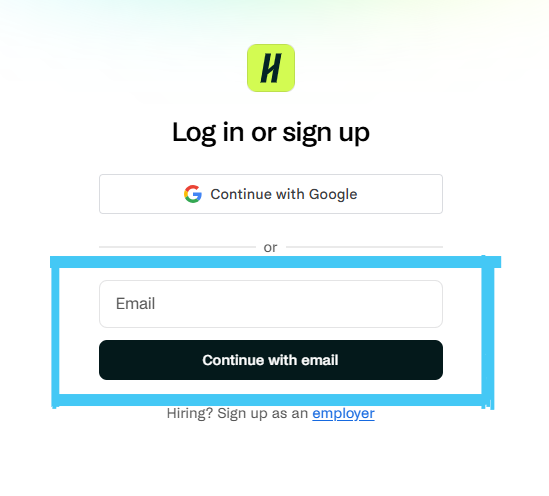
- Enter your Longwood Email and hit continue
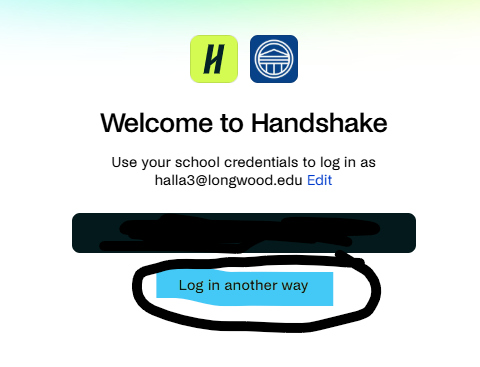
3. On the Welcome to Handshake page, click Log In another way (you cannot log in through SSO)
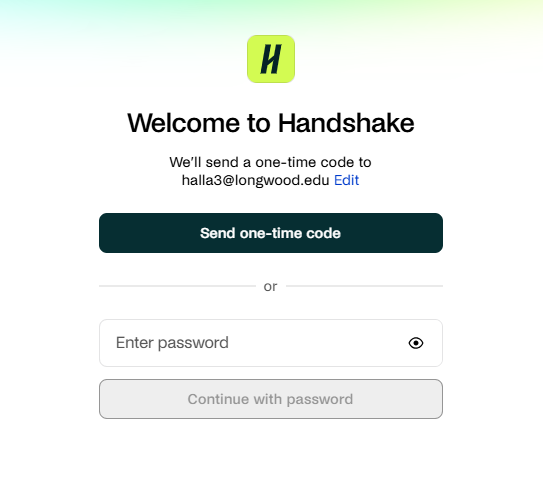
4. Either send one-time code or enter your password and click verify
Contact the Center for Career Success if you have any issues with logging into your account.